
Your project always in view

/ Business OS /
My own system for running projects, and a portal where you can always see how far your website has come.
I built the business OS myself. It is where I plan projects, tasks and meetings. What you see of it is the client portal: your personal access where you follow the status, provide material, review every preview and give feedback, instead of sorting everything out in long email threads.
The portal is built; the first real-world test with clients is still to come. All screens on this page show made-up sample data.
- Status and next step
- Previews and feedback
- Material and questionnaire
- Messages and meetings
- Approvals
- German and English
A look inside
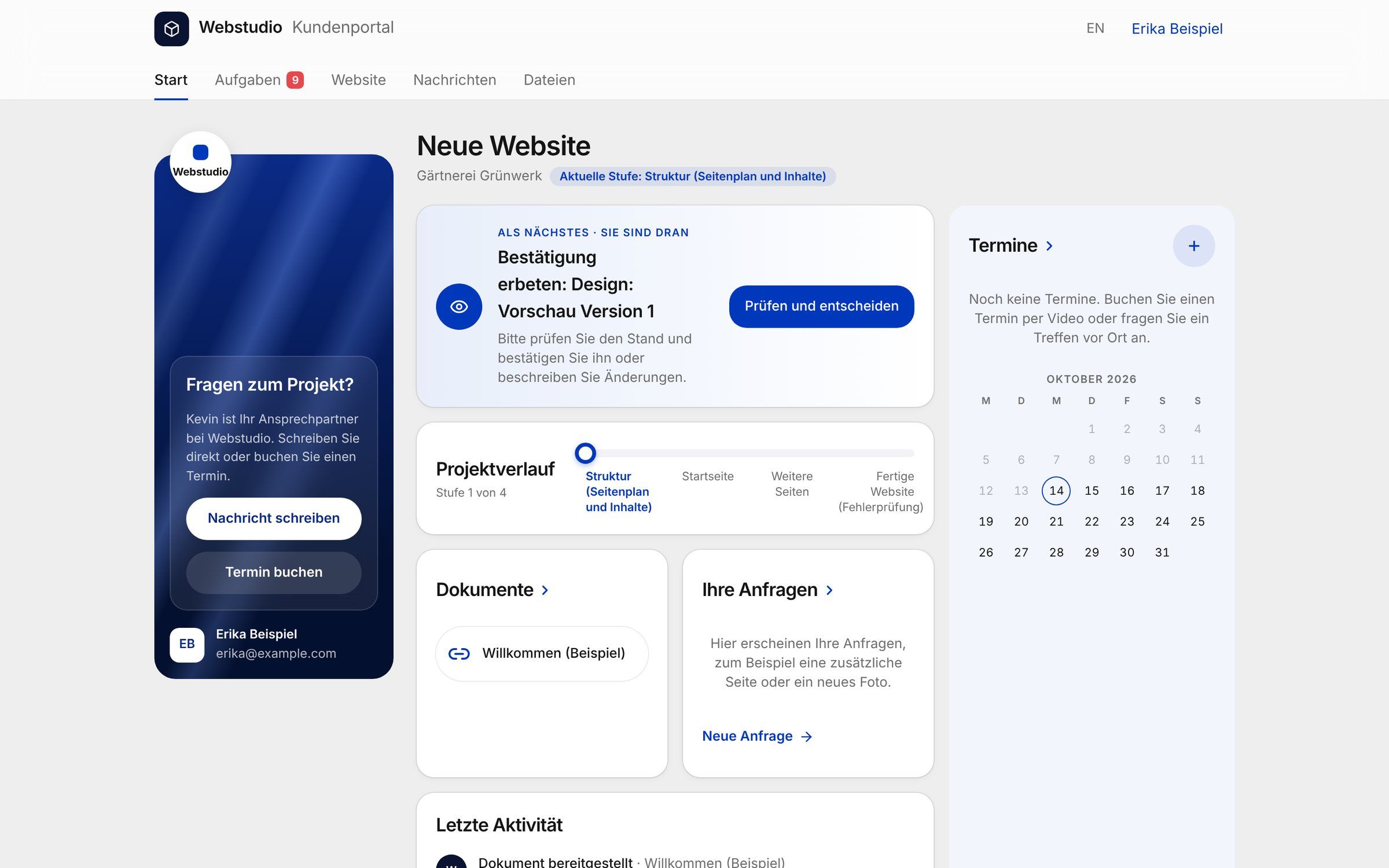
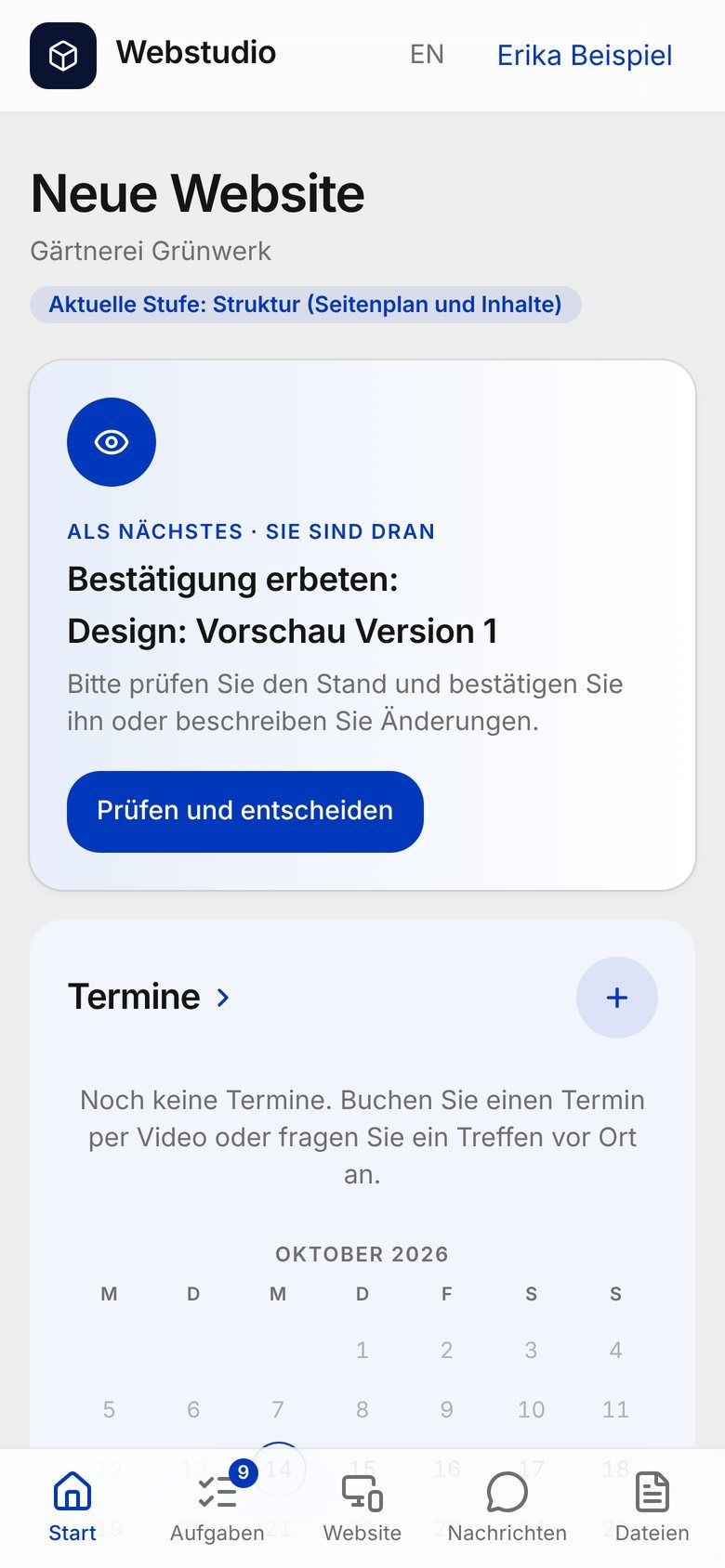
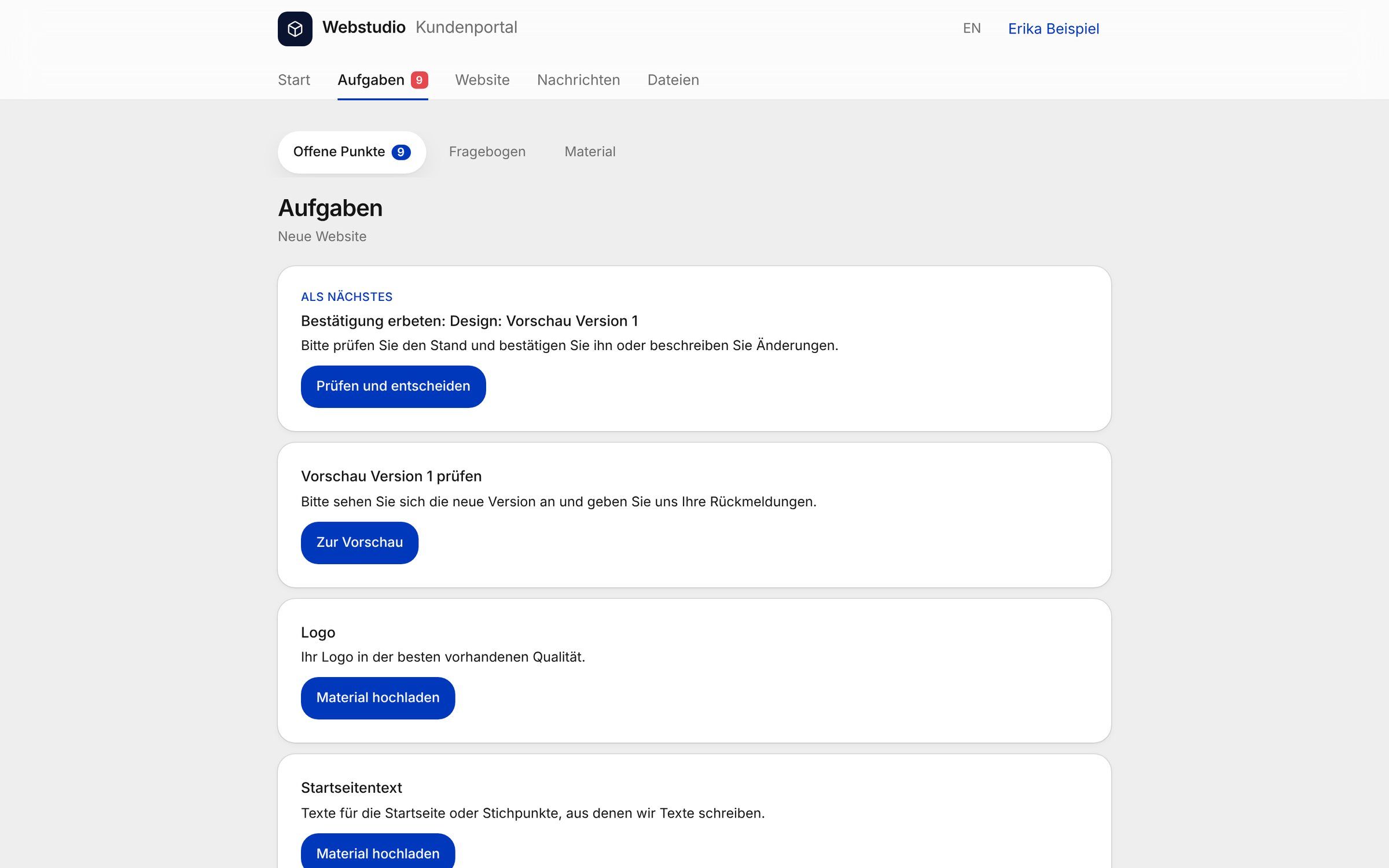
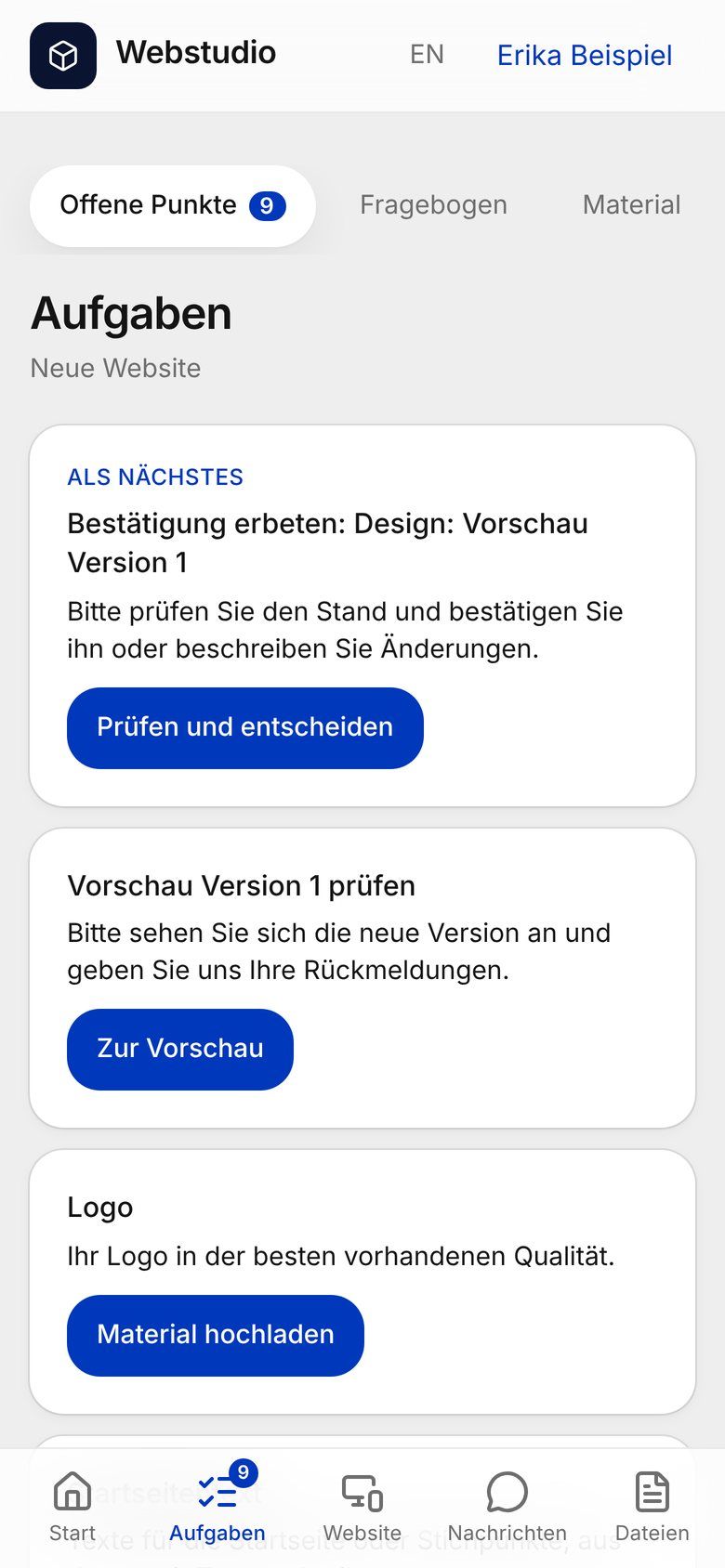
Your next step comes first.
The start page of your portal shows which stage your project is in and what is needed from you next. If there is nothing to do right now, it says so too.
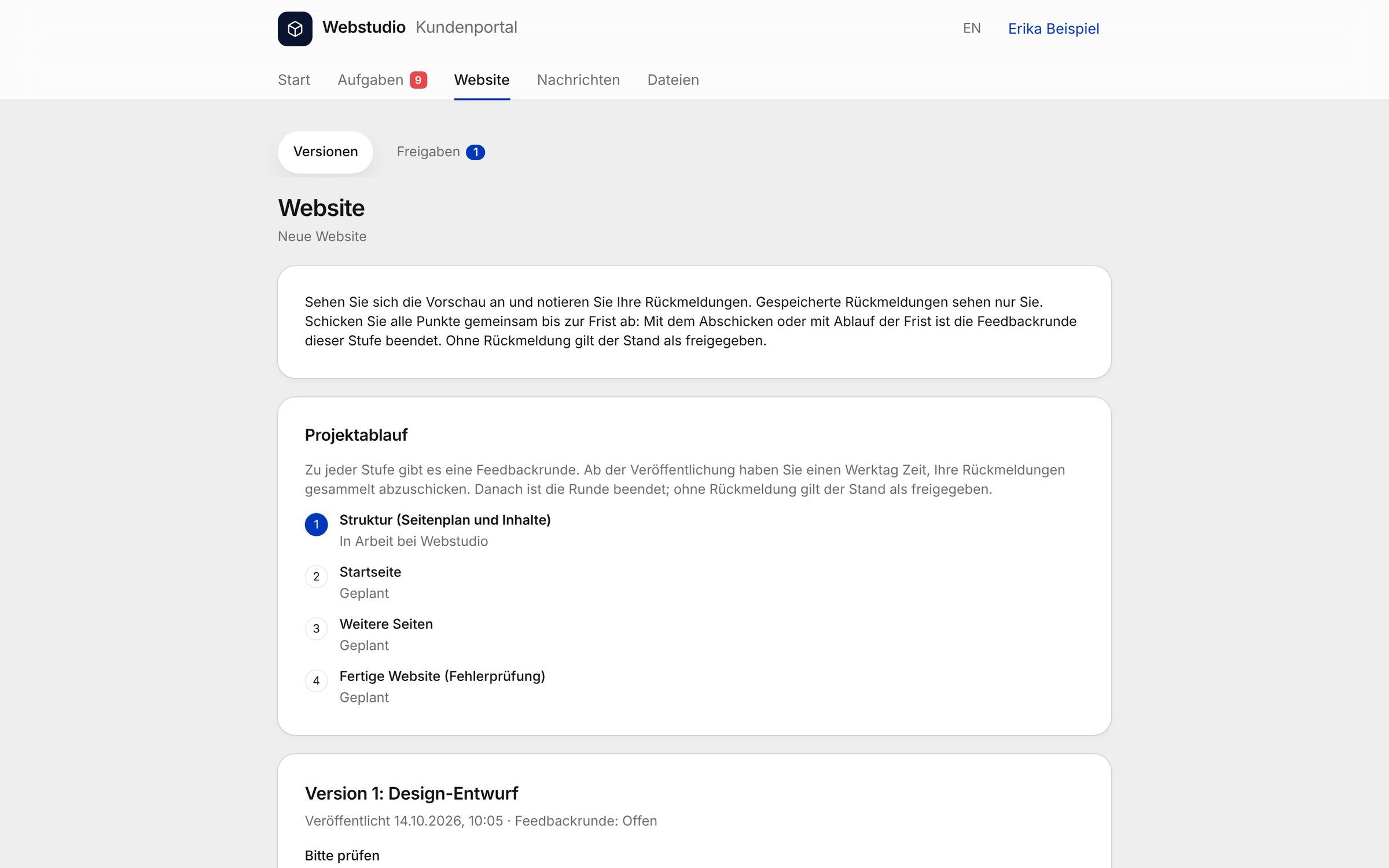
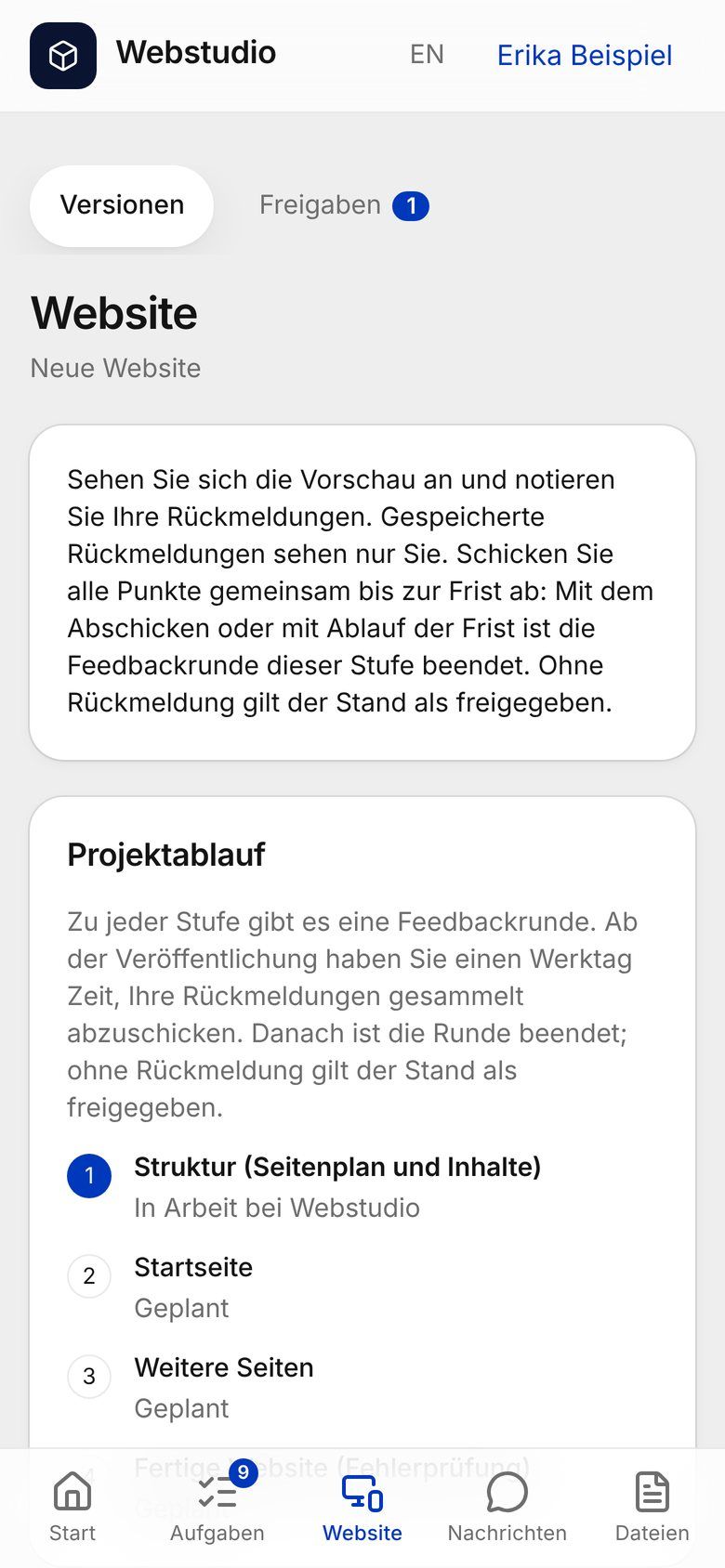
Feedback on every version.
Every preview is a numbered version. You collect your notes, only you can see them until you send them, and you send them all together. Afterwards you see for each point whether it has been done.
Material and questionnaire in one place.
You upload your logo, copy and images directly to each request. You fill in the questionnaire in the portal and your progress is saved.
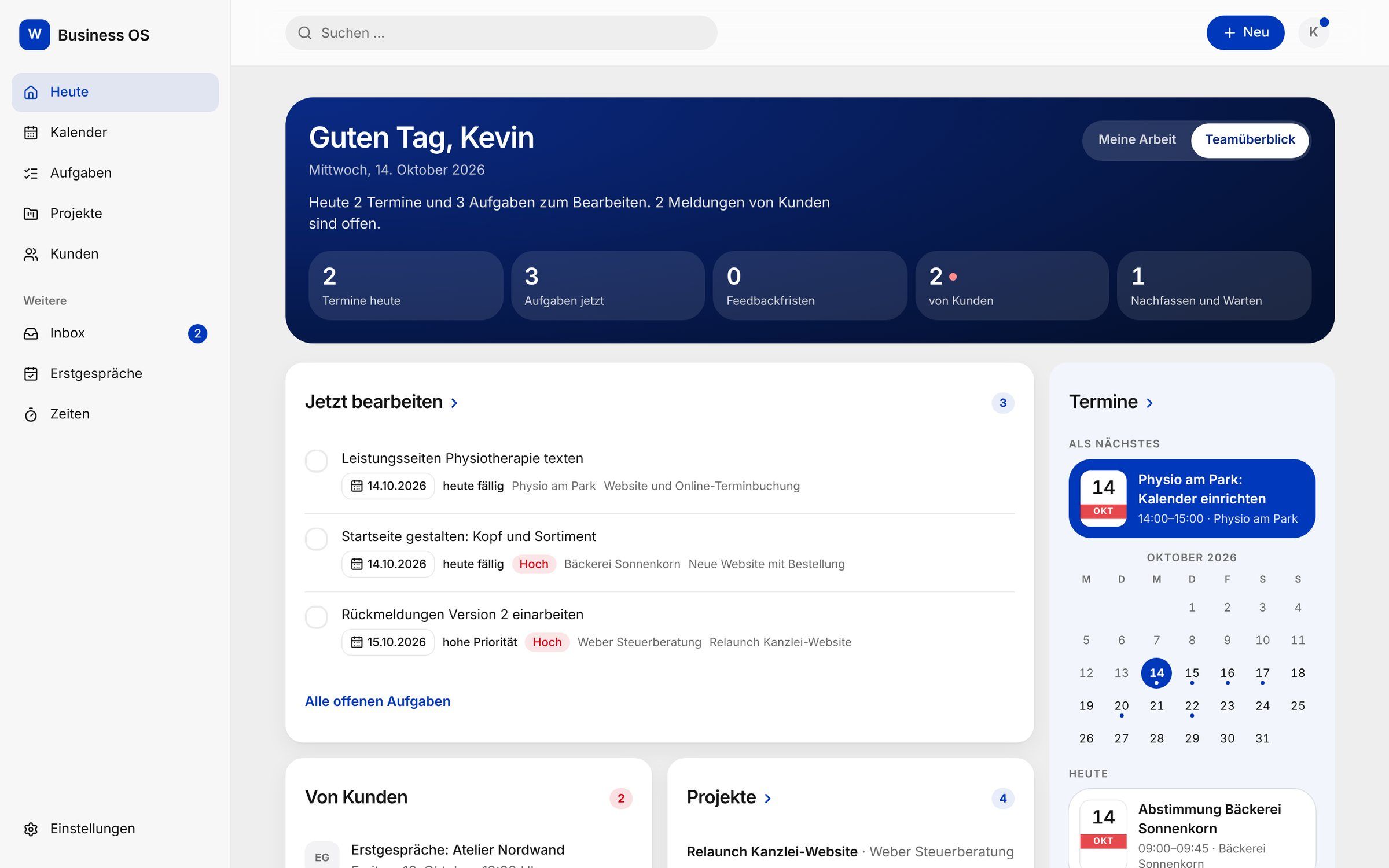
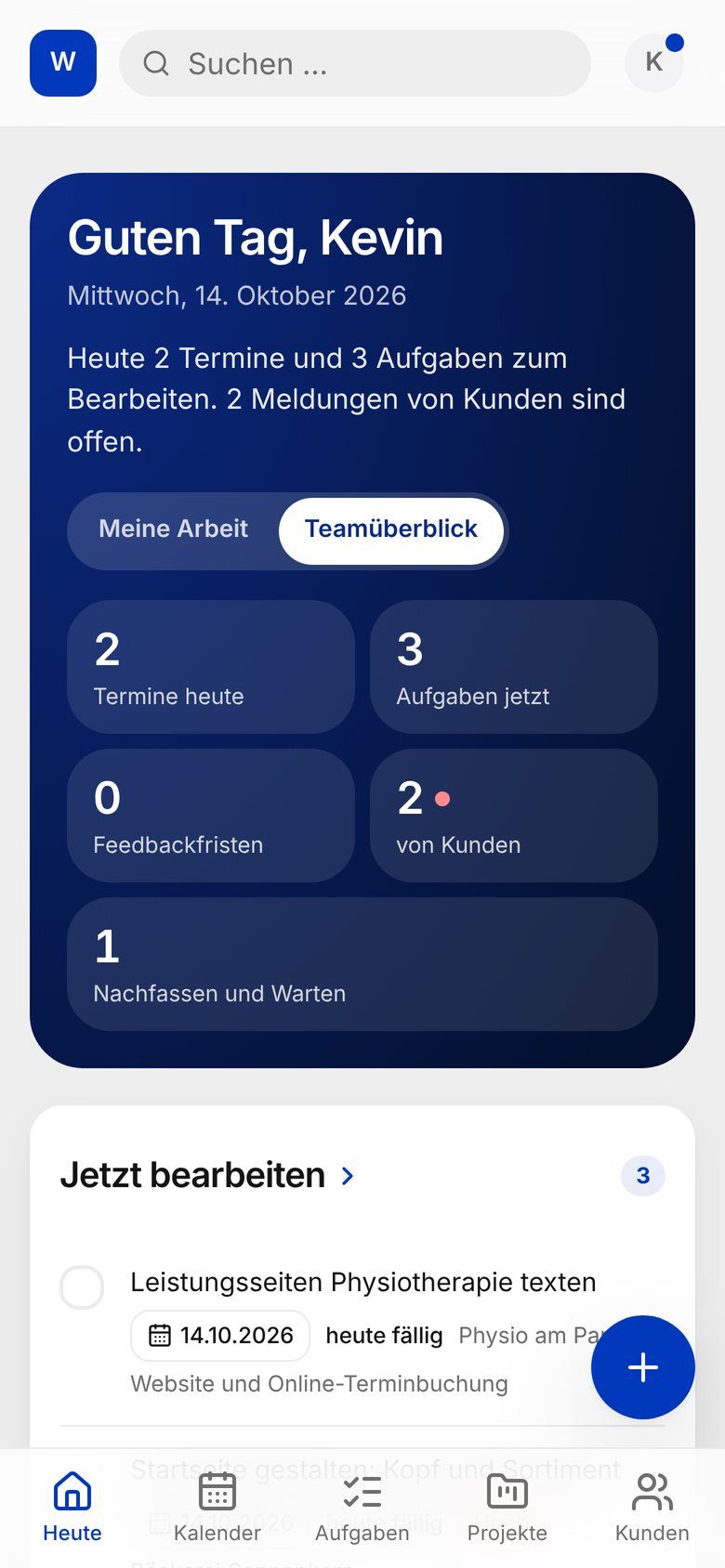
Behind it: my workspace.
All projects come together in the business OS: what is due today, which client feedback is open and where a feedback deadline is running. Nothing gets lost, even with several projects at once.
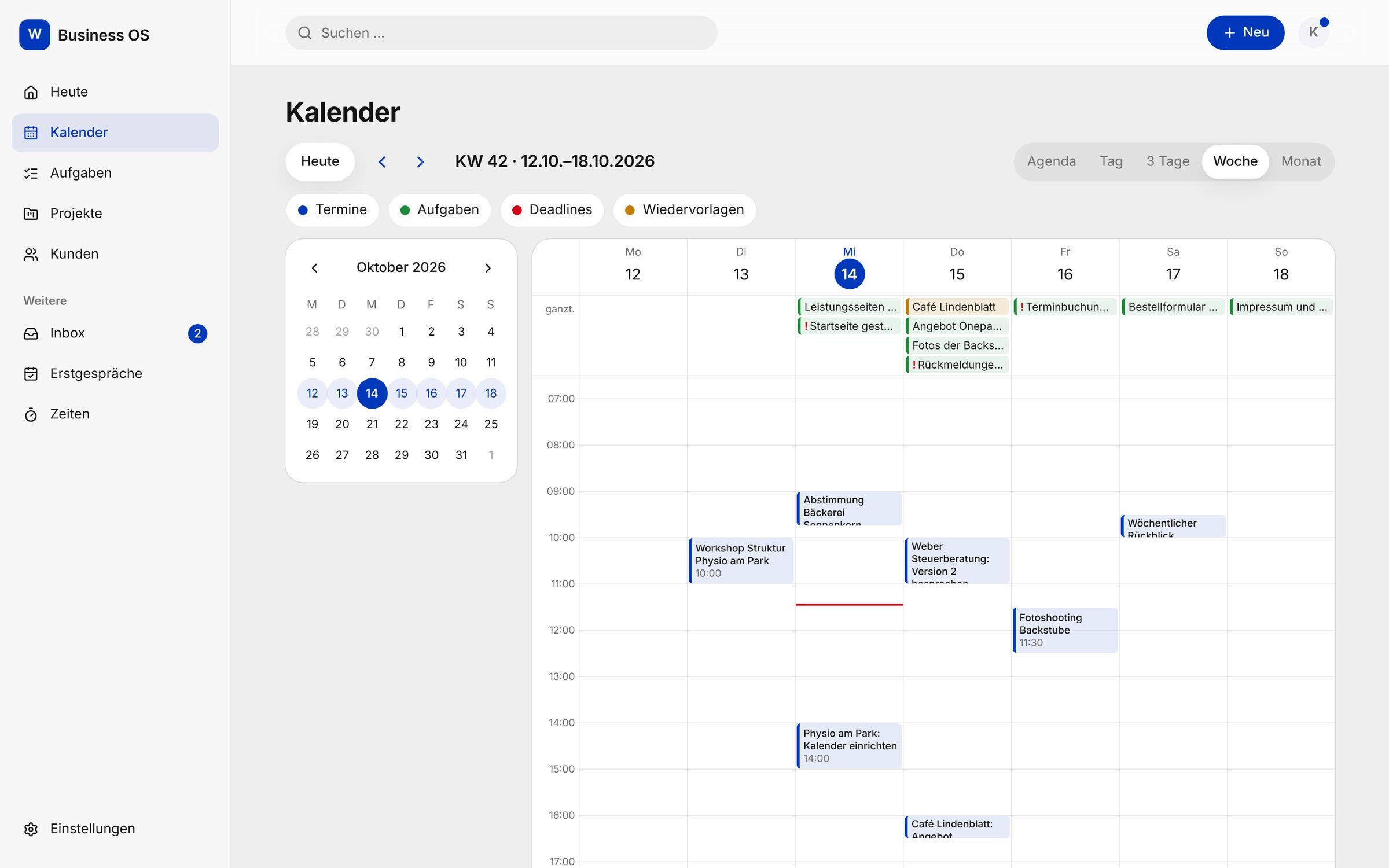
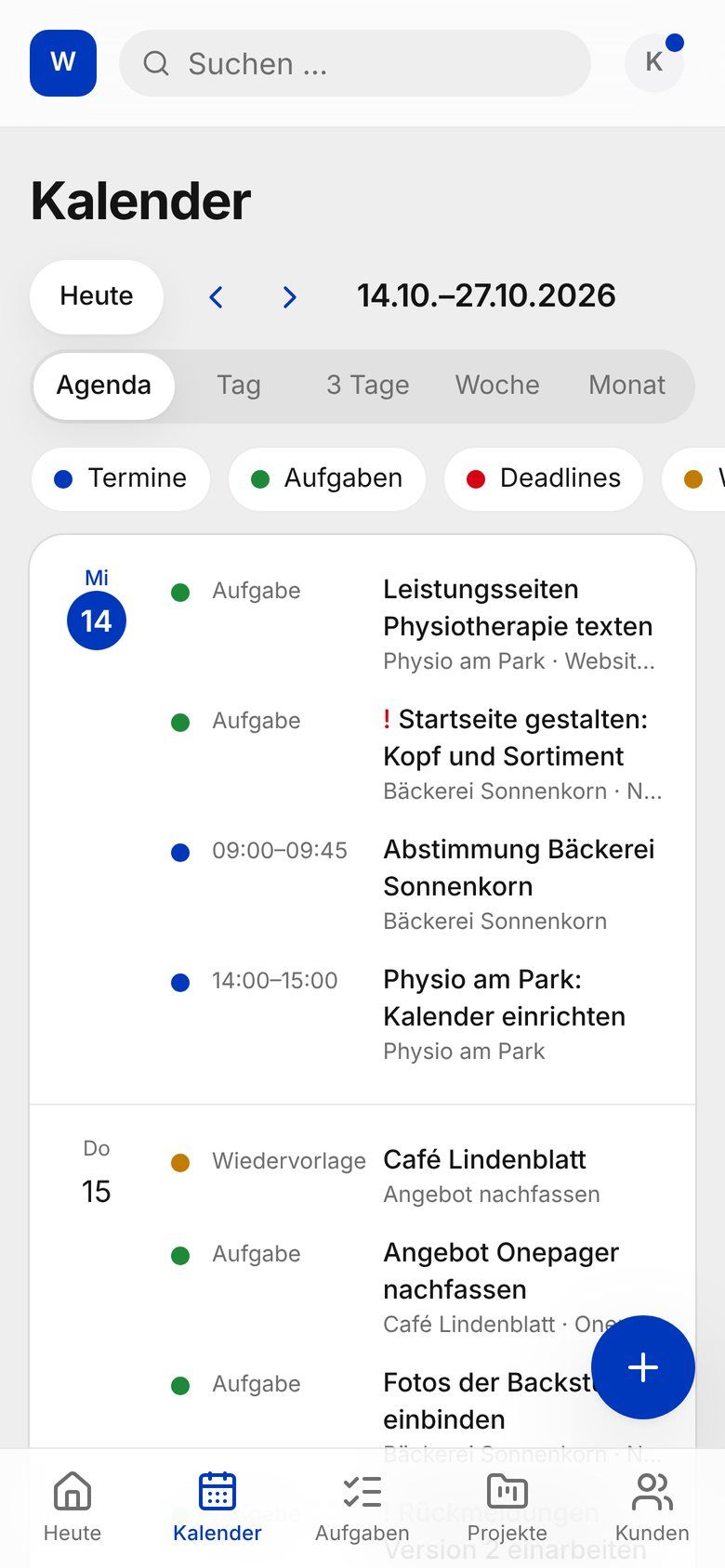
Meetings, tasks and deadlines in one view.
Meetings, due tasks and deadlines sit in one calendar: as a week at the desk, as a list on the go. Every project has its own flow from enquiry to after launch.
What your client portal can do
Status and next step
Milestones show what is done, what I’m working on right now and what comes next. At the very top you see what you can do next, or that there’s nothing to do right now.
Questionnaire and material
When I unlock the questionnaire for your project, you fill it in in the portal and your progress is saved. You upload your logo, copy and images directly to each request.
Preview and feedback
Every preview is a numbered version. Your feedback belongs to exactly that version: you collect it, only you can see it until you send it, and you send it all together.
Messages
Questions and answers stay with the project, not scattered across inboxes.
Approvals
When a decision is due, for example on scope, design or the finished website, you approve the relevant version or request changes. Only people with approval rights can approve. This is a project confirmation, not a contract signature.
Documents
Important project documents as links in one place.
Handover
At the end: link to the finished site, a guide, notes on access and the agreed support.
Meetings
You book video meetings in the portal yourself and request an in-person meeting there.
Good to know
/ Access /
One login per project.
At the start of the project you get a personal invitation. No app needed: the portal runs in the browser, on a computer as well as on a phone.
/ Languages /
German or English.
The portal is available in German and English. You choose the language at the top of the portal.
/ Status /
To be honest.
The portal is built; the first real-world test with clients is still to come.
The screens on this page come from a test system with made-up sample data.
Goes well with
Still have questions? Honest answers.
What businesses ask me most often, answered briefly and honestly.
How can I see how far along my project is?
In your client portal. There you see milestones, the next step and every preview version. Feedback, approvals, material and documents also go through it.
What do I need to get started?
At the start you get a short questionnaire. There we collect copy, images, your logo and your wishes. Anything still missing we sort out together.
Do I need to know anything about technology?
No. I take care of design, technology and publishing. You see the progress in your client portal, give feedback and decide what goes live.
What if I don’t like a draft?
That’s what the agreed feedback rounds are for. You see every preview version in the client portal, collect your comments and send them together. I implement them before you approve.
Ask our best employee
Answers instantly, around the clock
Hello! I am the AI assistant of Webcodic. Ask me anything about websites, online shops, digital solutions or working with Kevin.
AI assistant: answers are generated by artificial intelligence based on this website. They may contain mistakes; only what Kevin confirms to you is binding. Please do not enter personal data in the chat. Privacy information
Typing …
Tell me about your project.
- Rather skip the form? Email me directly.
- hello@webcodic.de
- Phone
- +49 151 401 803 27
- Send a message
- Location
- Stuttgart and the whole world