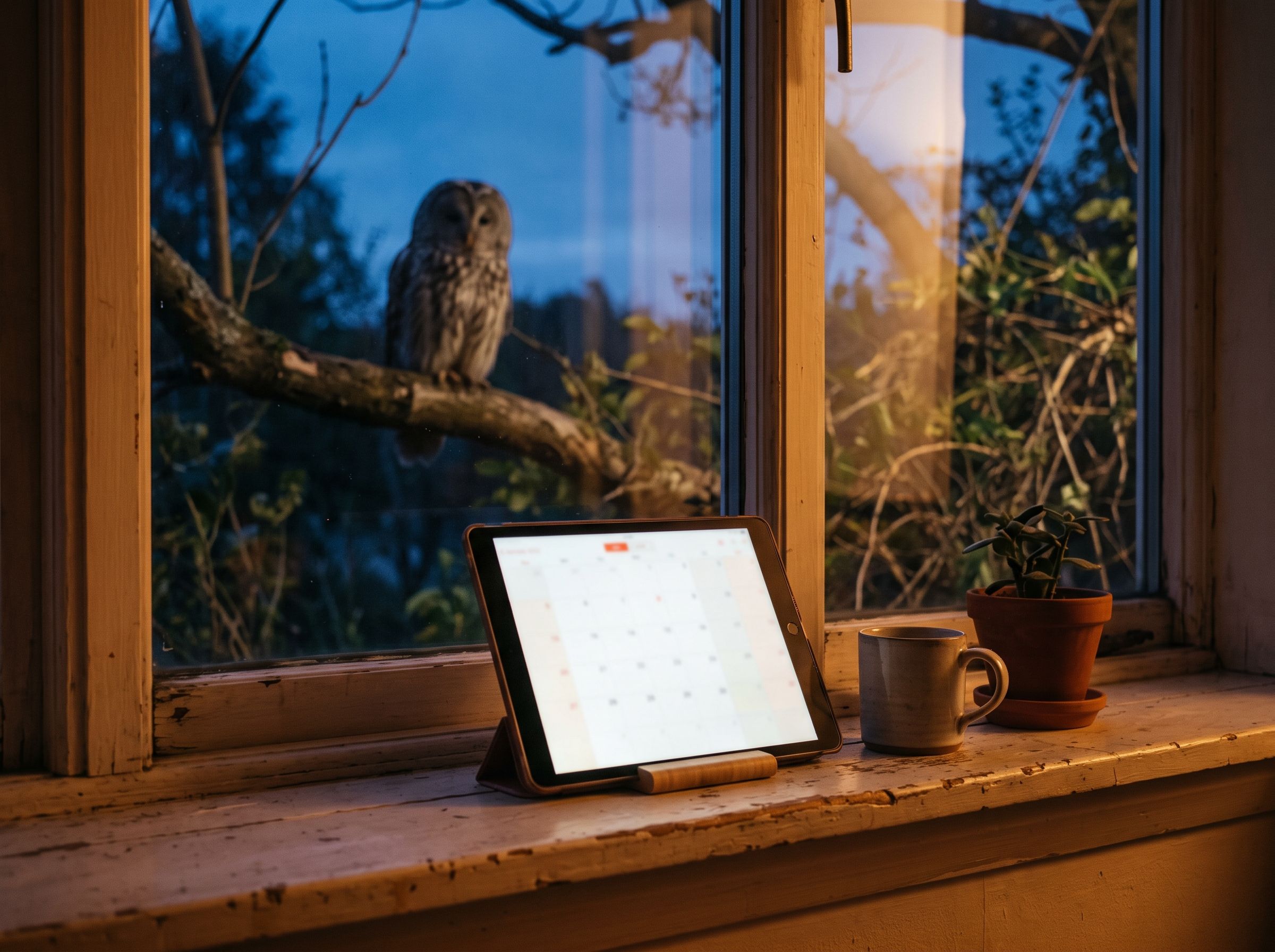
Many enquiries come in the evening or at the weekend, when nobody answers the phone. With booking on your website, your customers see free slots and book themselves, without call-backs and without back and forth by email.
What good online booking should do
- Only show slots that are really free, connected to your calendar so nothing gets double-booked.
- Confirmation by email and a reminder before the appointment.
- Rescheduling and cancelling via a personal link, without a phone call.
- Few required fields: name, contact details and the request are often enough.
- Designed to match your website and easy to use on a phone.
How a booking works
- The customer chooses the type of appointment, such as a first consultation or a follow-up.
- They see free days and times, calculated from your calendar.
- They enter their name, contact details and a short description of what they need.
- They immediately receive an email confirmation with a personal link.
- Before the appointment a reminder arrives, for video calls with the link to the meeting.
- You see the appointment with all details in your calendar.
Appointment types and length
Not every appointment is the same. A first consultation may take longer than a short follow-up, and an on-site visit needs travel time. A good booking system knows different appointment types with their own length, times and questions. That way you get exactly the information you need to prepare.
Preparatory questions
A few targeted questions at booking save time later: what is it about? Are there documents already? For some appointments an upload makes sense, for example for photos or plans. But don't ask for too much: every extra required field is one more reason to abandon the booking.
Video or in person
Many conversations can take place by video. The booking can automatically create a link and send it along. For on-site appointments, the address and directions belong in the confirmation. If your business offers both, the customer should be able to choose when booking.
Protection against spam
Public forms attract automated submissions. Unobtrusive bot protection, a limit on requests per period and an email confirmation keep fake bookings out without annoying real customers with picture puzzles.
What to keep in mind
Buffer times between appointments, a sensible lead time and a limit on how far ahead people can book save you stress. On data protection, the booking belongs in your privacy policy, and data should only be stored for as long as it is needed.
Who benefits
- Practices, studios and salons with many short appointments.
- Consulting and services where a conversation comes before the order.
- Trades businesses that schedule site visits or call-backs.
- Anyone who loses a lot of time on the phone arranging appointments.
Your own solution or a booking platform?
Booking platforms are quick to set up but usually look like the platform, not like your business. Often your customers end up next to other providers. Booking directly on your website fits your brand and keeps visitors with you. Which solution makes sense depends on your processes and your calendar.
Fewer no-shows
A reminder email before the appointment helps customers not to forget it. A link to reschedule or cancel makes it easier to let you know early instead of simply not turning up.
Available everywhere
Booking works best when it is available wherever customers make decisions: on the home page, on every service page, in your Google Business Profile and in your email signature. A consistent button with a clear label such as “Book an appointment” helps. How the Google profile fits in is covered in the post Setting up a Google Business Profile.
What it costs
A set-up booking system usually involves a one-off setup and running costs for support and background services. What exactly depends on the calendar, appointment types and the features you want. More on the page Online booking.
Do I need a particular calendar?
The booking is connected to the calendar you use. Which calendars are possible depends on the solution and is clarified in advance.
What happens if I add an appointment myself?
If the booking is connected to your calendar, the time is immediately treated as busy. Appointments you add yourself can then no longer be booked.
Can I review requests instead of accepting them automatically?
Yes, for example for on-site appointments or special requests: the customer sends a request and you confirm it. For simple appointments, instant booking is more convenient because the customer gets certainty straight away.
What belongs in the privacy policy?
Which data is collected when booking, for what purpose, how long it is stored and which services are involved, such as the calendar, email delivery and spam protection.
The notes on data protection are for orientation only, not legal advice. If in doubt, have your privacy policy checked by a professional.
One example is my own booking page for the intro call: it shows free slots from my calendar, and you can reschedule your appointment via your personal link.